The management app for tailoring workshops

Your tailoring workshop, finally organized.

Orders, customers, measurements, tailors and deliveries — everything in one app, in your pocket. Even without an internet connection.

Get it onGoogle PlayComing soon to theApp Store
  • Available on Android
  • Works offline
  • Free trial
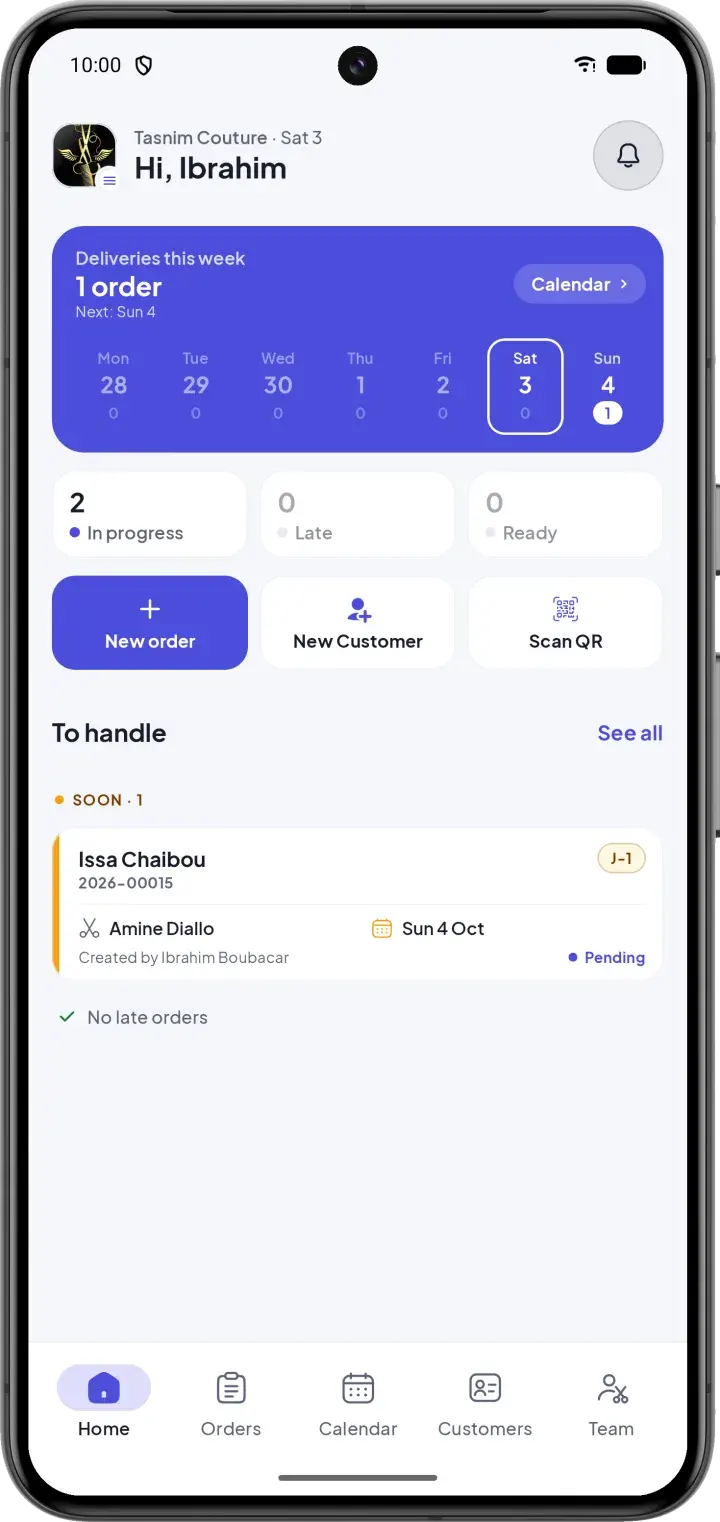
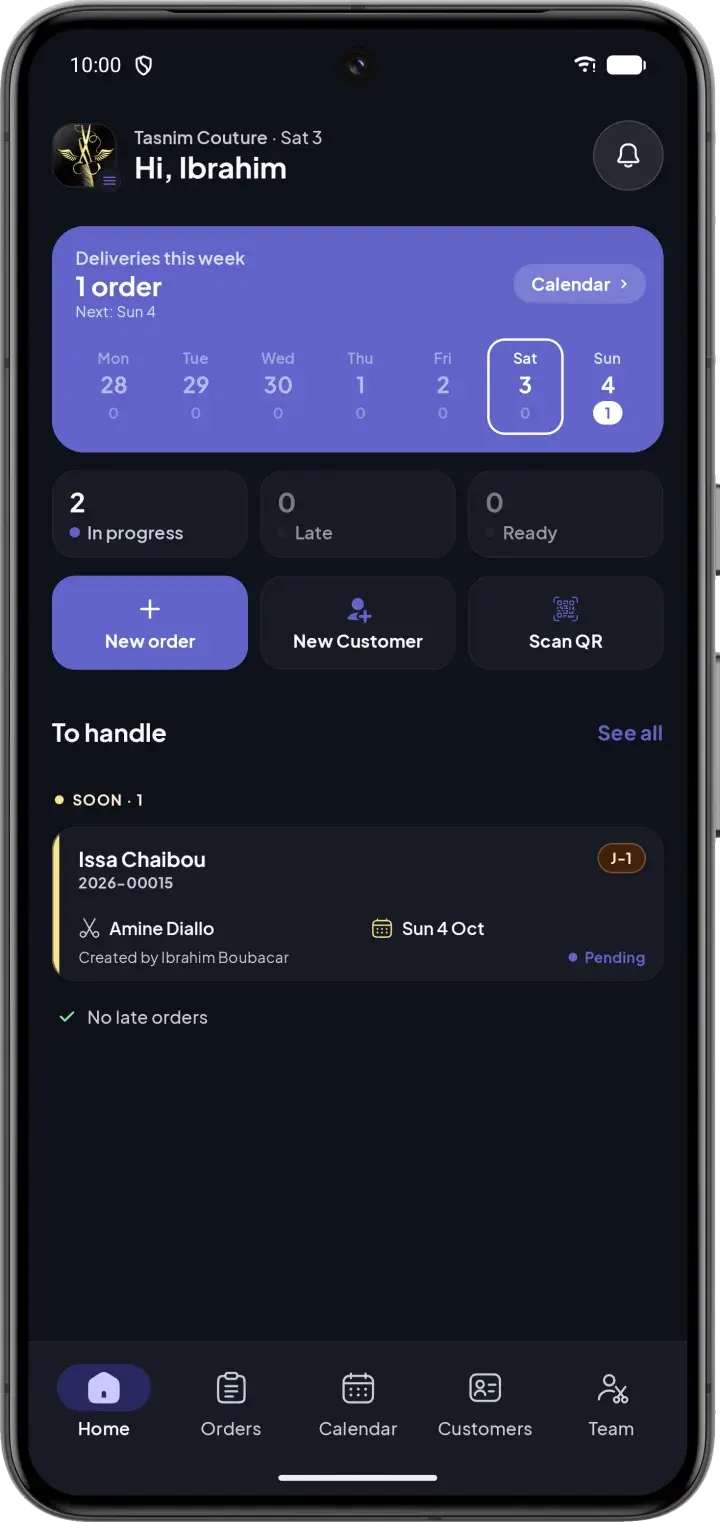
CouturApp dashboard showing urgent orders and today's deliveries
Order validatedReady for delivery
Payment recorded12,500 XOF · 12,500 due

Sound familiar?

Notebooks, loose papers and memory are no longer enough

  • Orders forgotten or poorly tracked
  • Deliveries that slip past the promised date
  • Measurements nowhere to be found when the customer comes back
  • No idea which tailor is overloaded
  • Income you can only guess at

With CouturApp

Everything is centralized in one simple and clear app, designed for the daily life of a workshop — even for non-technical users.

  • Every order tracked from creation to delivery
  • Urgent and late orders visible at first glance
  • Measurements saved and reusable in one tap
  • Workload of each tailor at a glance
  • Income, payments and balances always up to date

Features

Everything your workshop needs. Nothing it doesn't.

Clear screens, few steps and statuses you read at a glance — designed for the fast pace of a workshop.

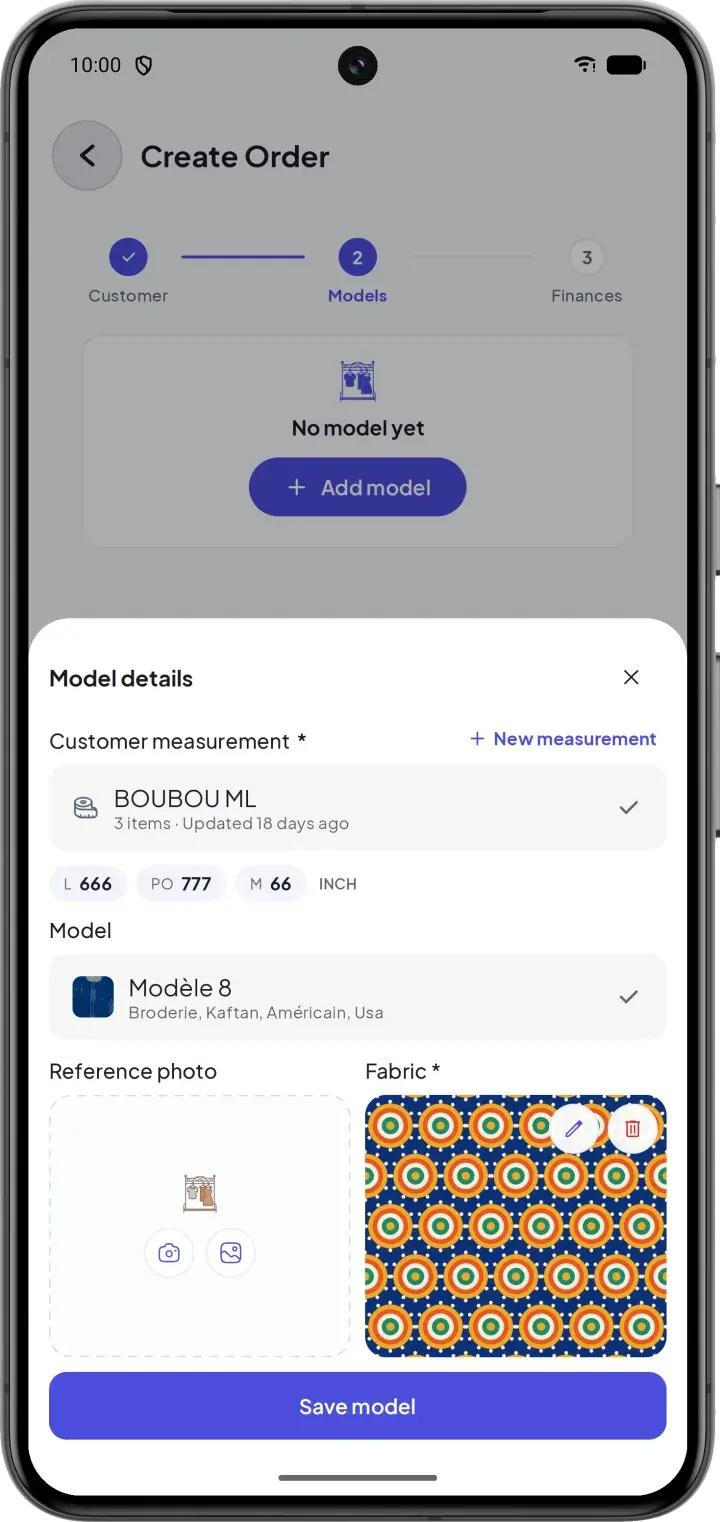
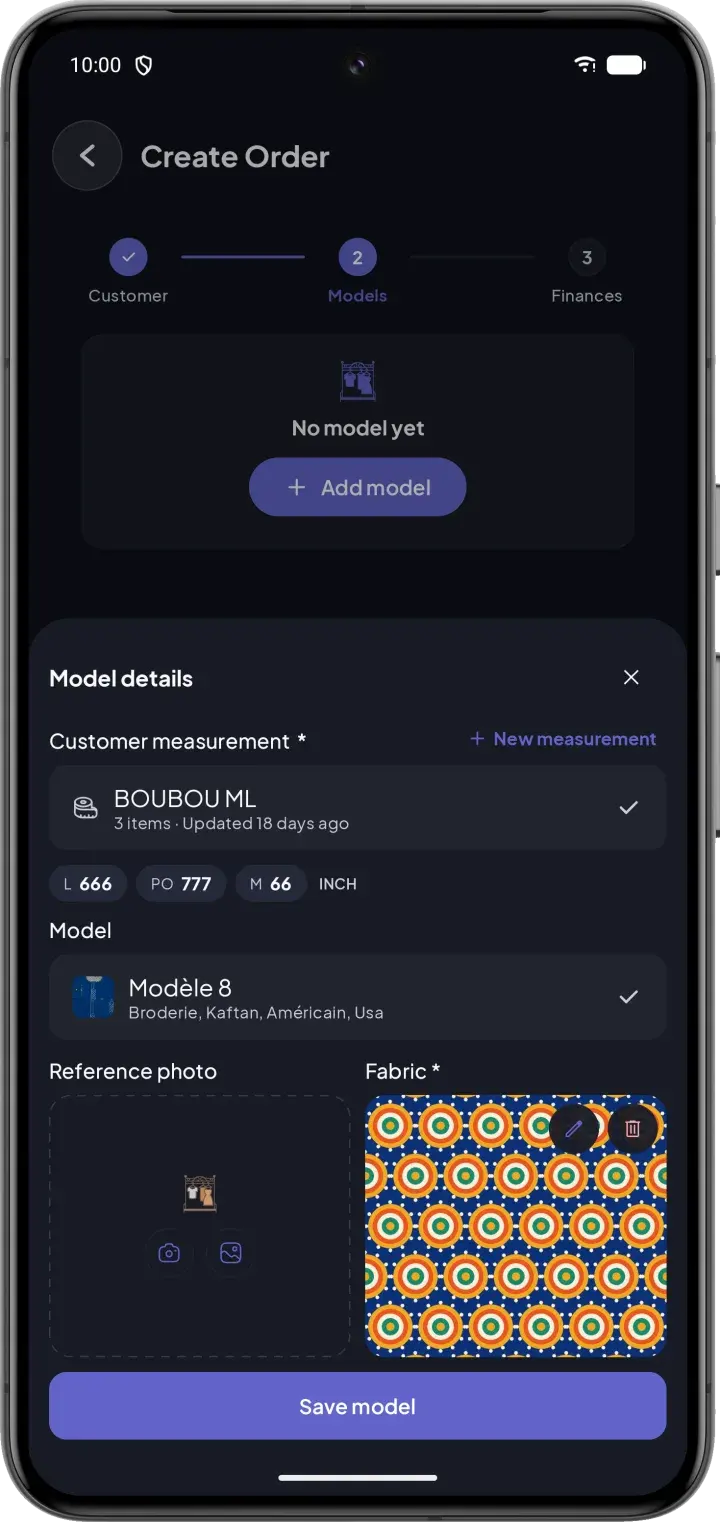
Order creation: garment with the customer's measurement, the model and the fabric photo
01Orders

One order, several garments, 3 guided steps

Customer, garments, then finances and delivery date: the form walks you through one step at a time. Each garment keeps its own measurements, model and fabric photo.

  • Existing customers found automatically from their phone number
  • Each garment linked to a measurement, a model and a fabric photo
  • Deposit and remaining balance calculated for you
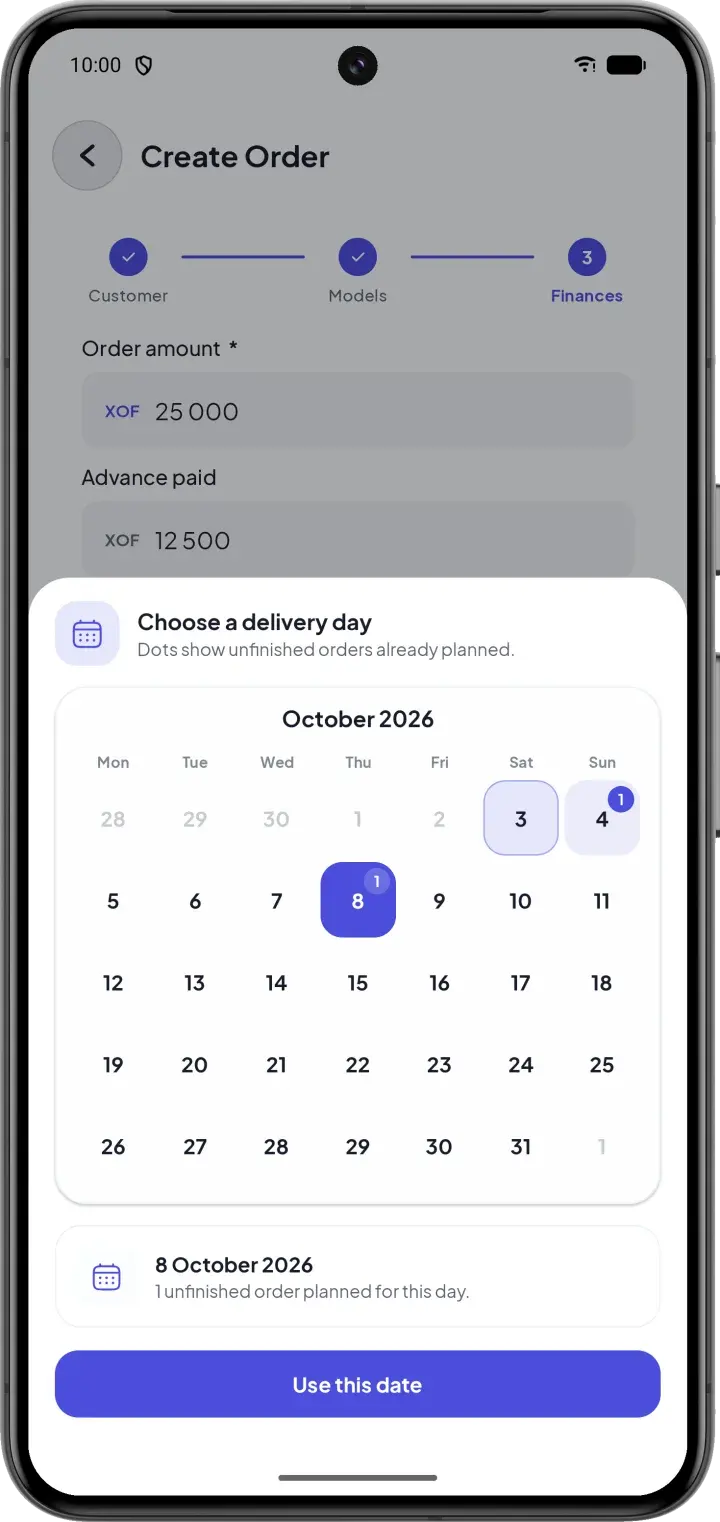
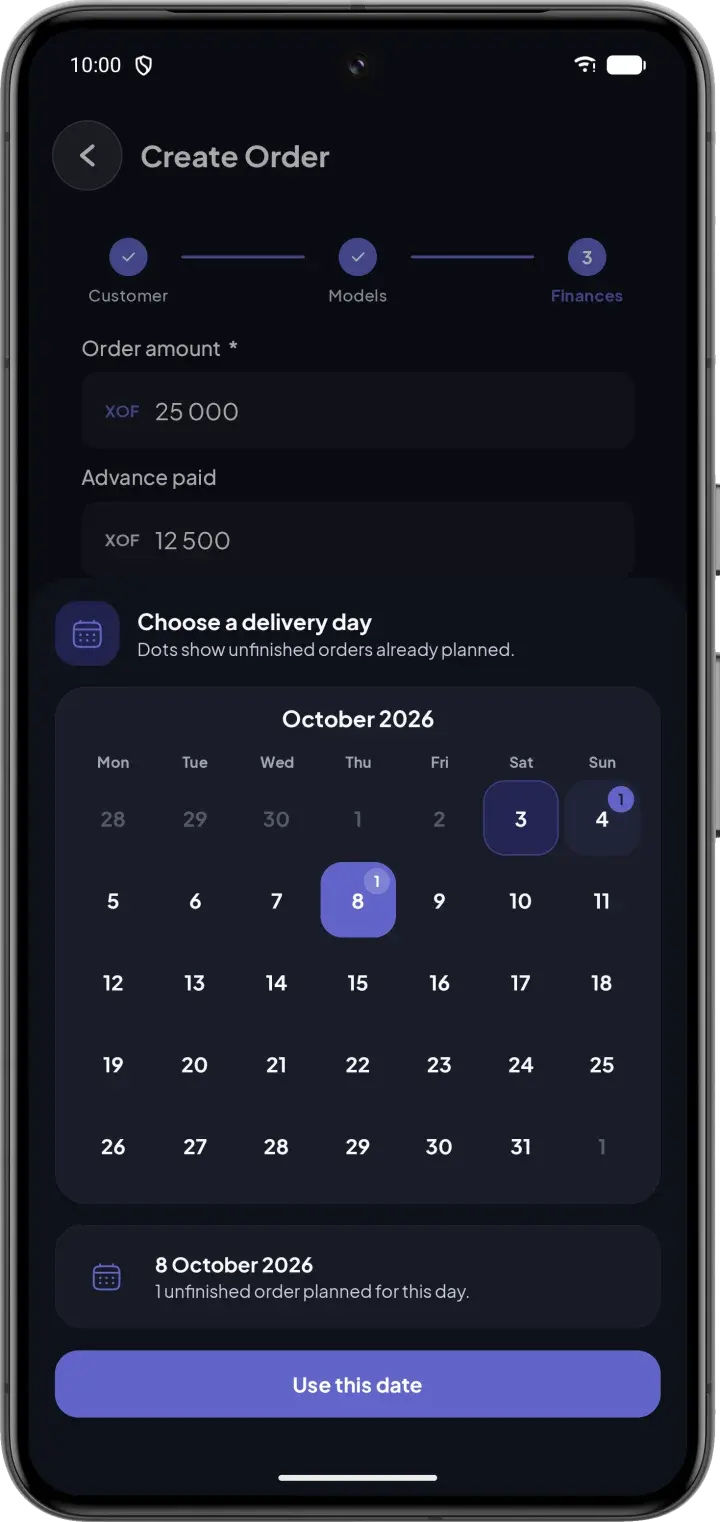
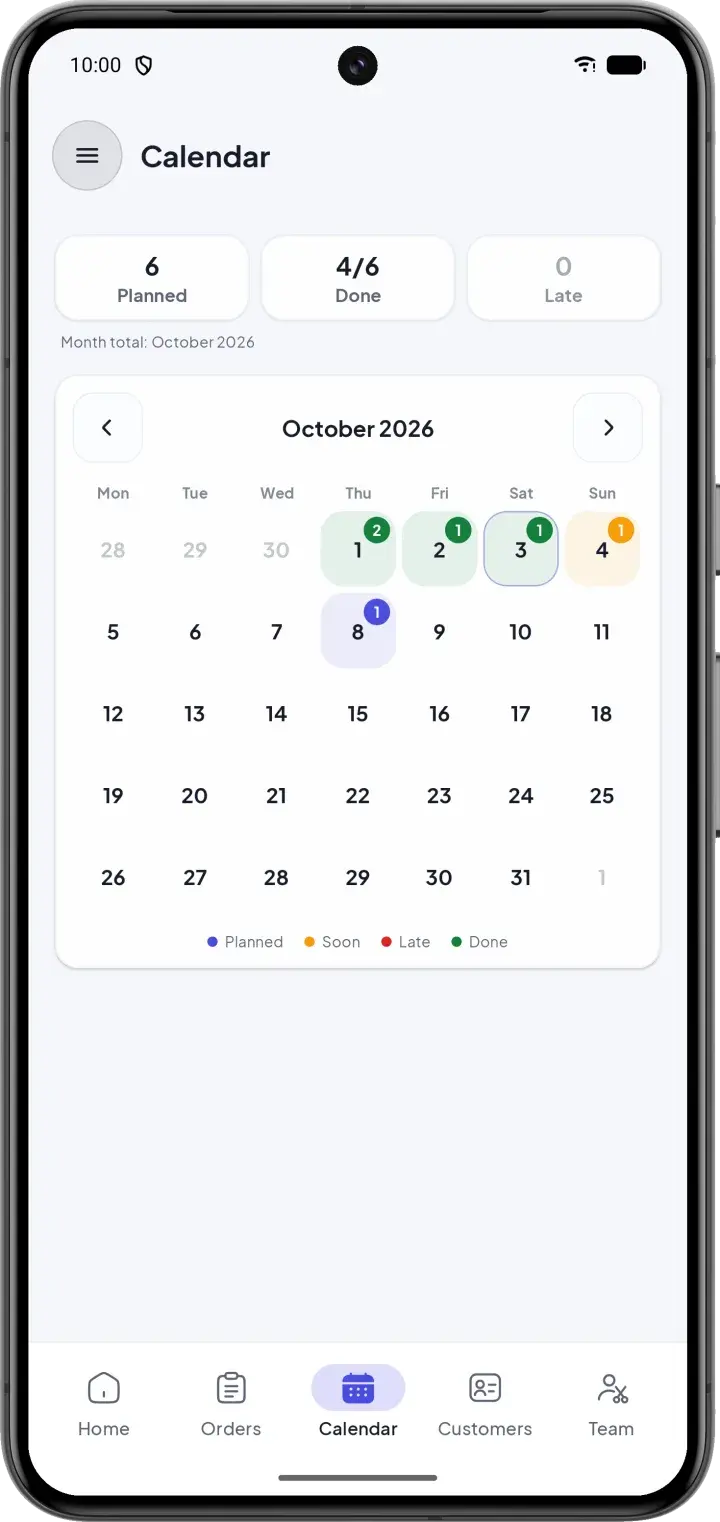
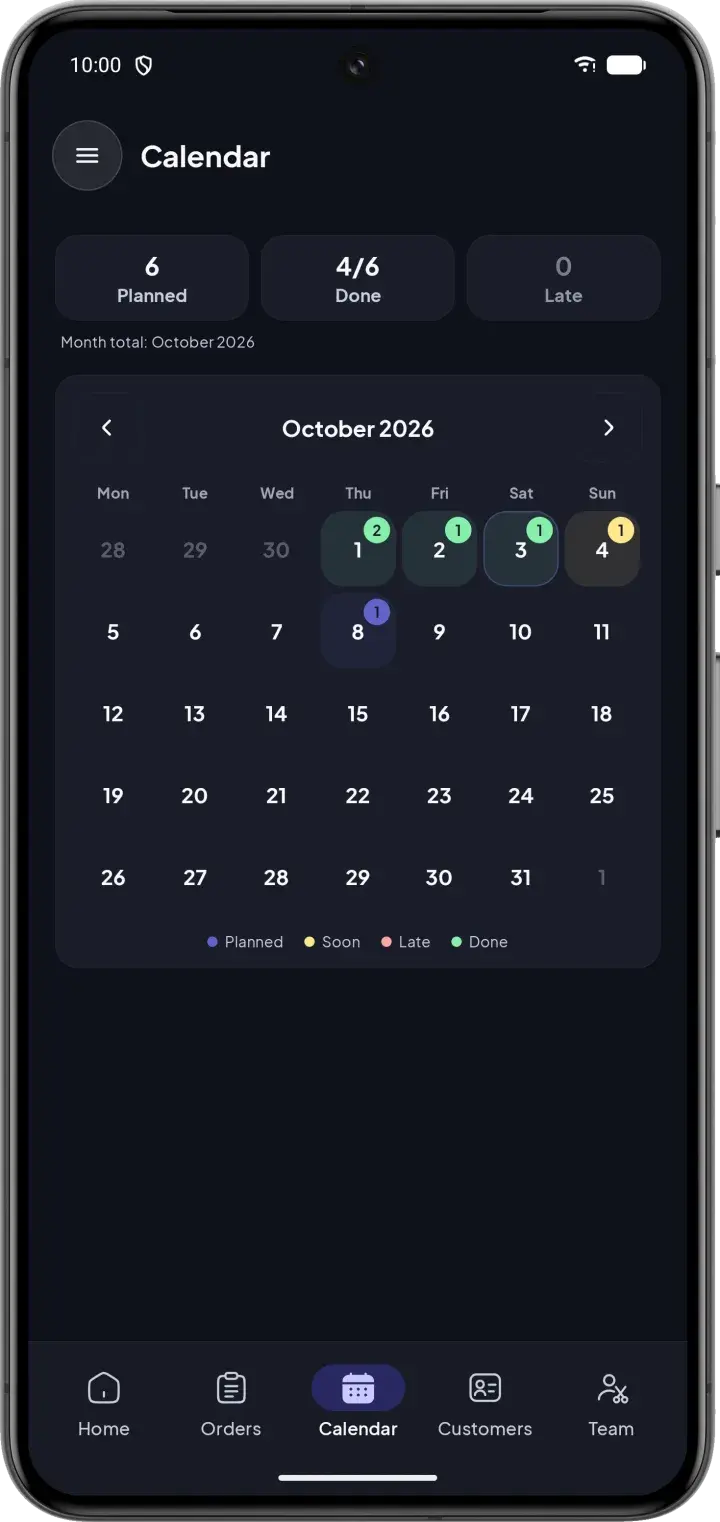
Delivery calendar with planned, completed and late orders
02Deliveries

Never miss a delivery date again

The home screen shows this week's deliveries and what needs attention. The calendar marks planned, upcoming, late and completed orders at a glance.

  • Delivery date chosen according to each day's workload
  • D-5, D-1 badges and late orders put first
  • Notifications when an order moves forward
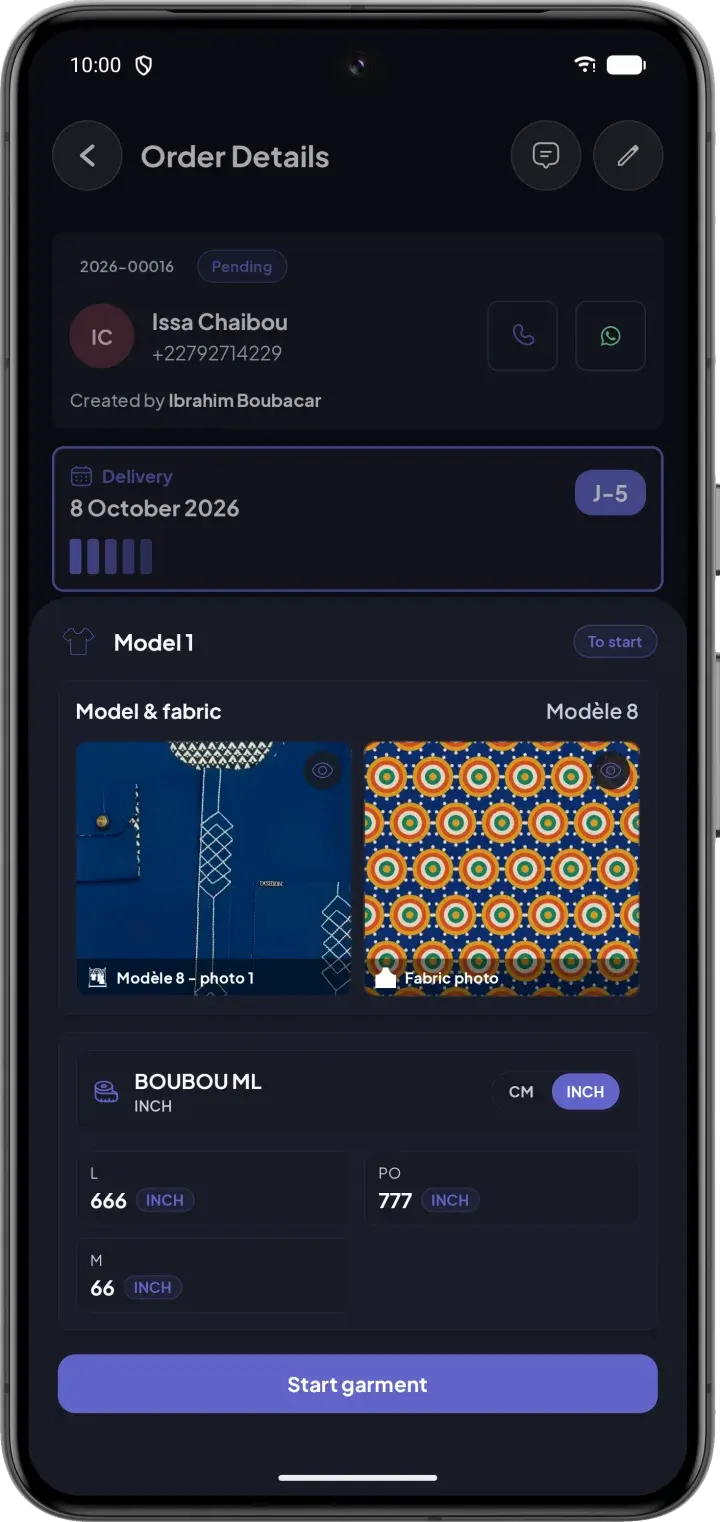
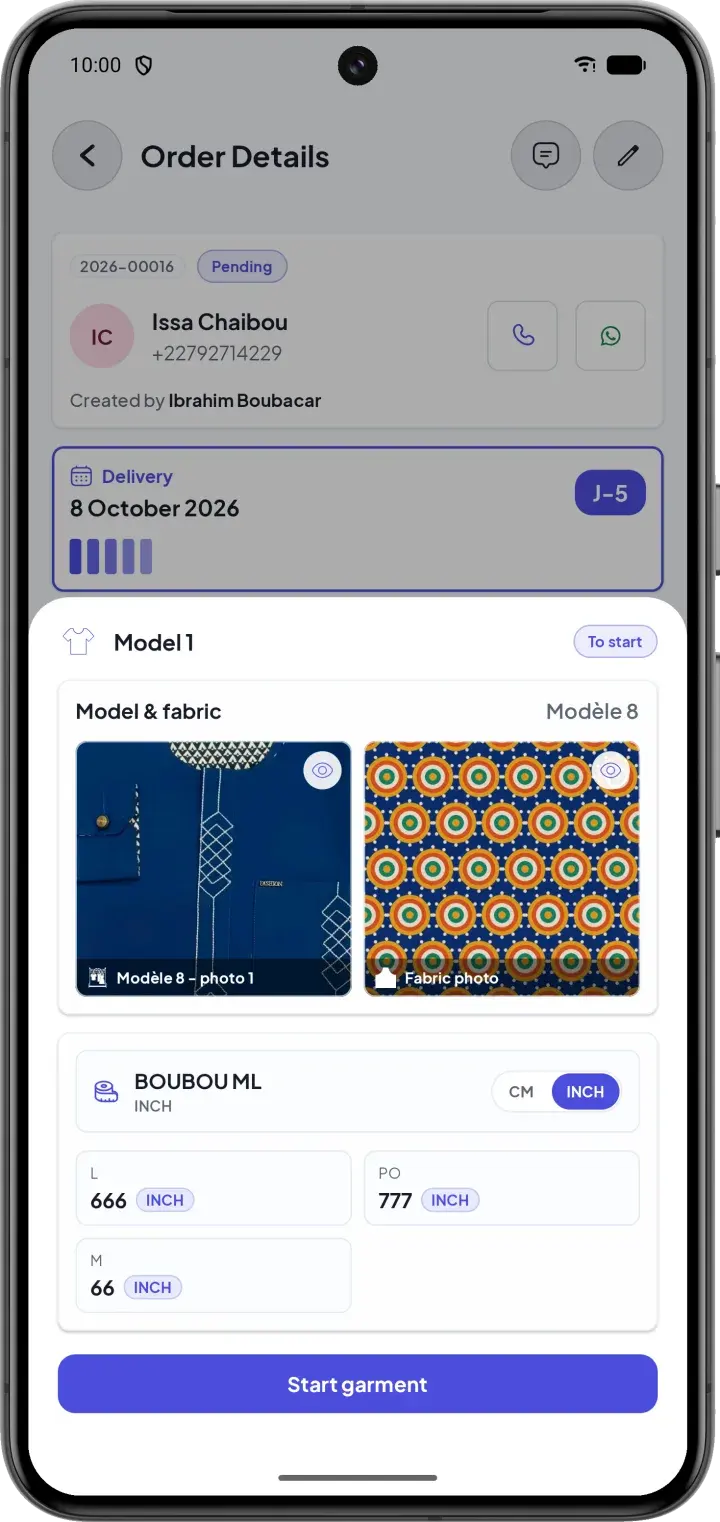
Garment sheet with the model photo, the fabric photo and the measurements
03Cutting sheet

Model, fabric and measurements on one sheet

Each garment has its cutting sheet: model photo, fabric photo and the customer's measurements, in centimeters or inches. The tailor taps “Start” and gets to work.

  • Several measurement profiles per customer, reusable in one tap
  • Measurements in cm or inches, per your workshop
  • No more fabric mix-ups or lost measurements
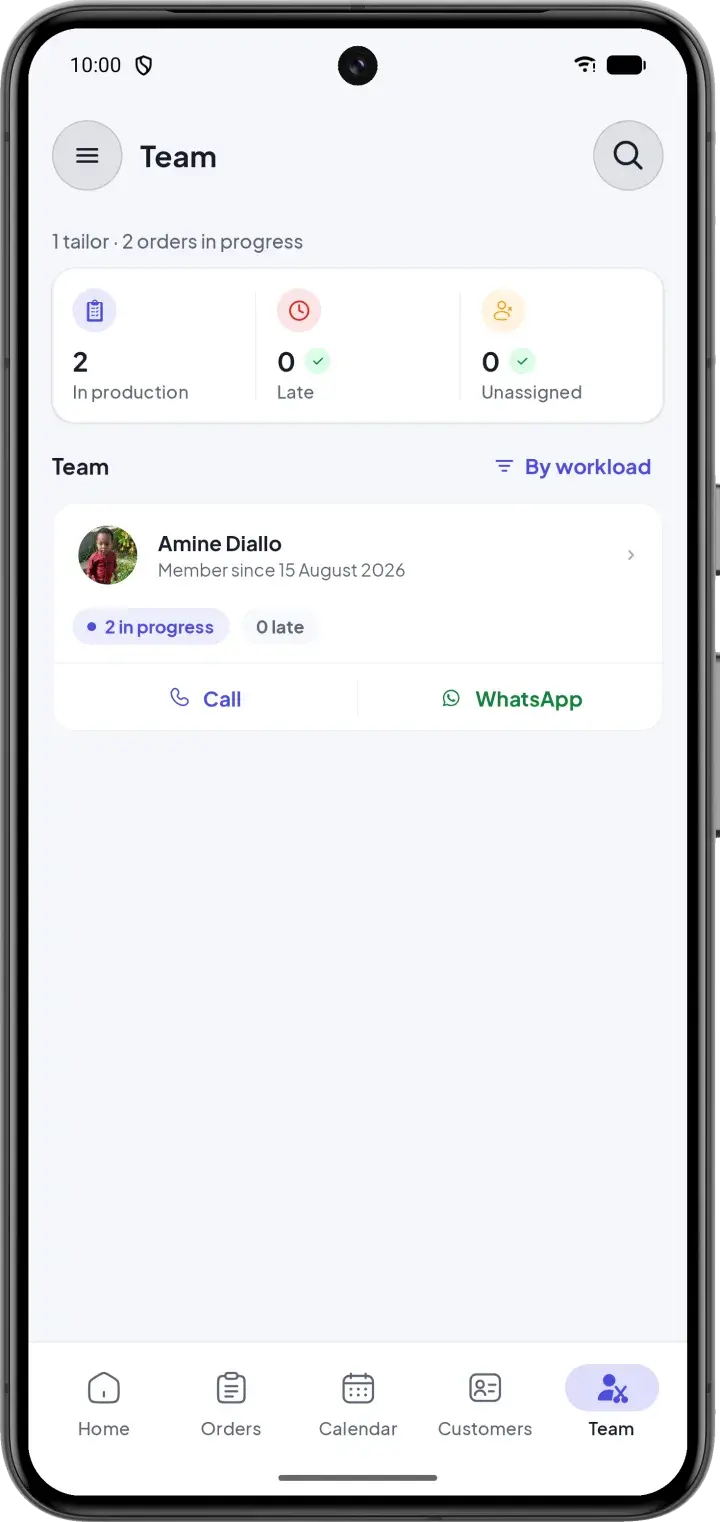
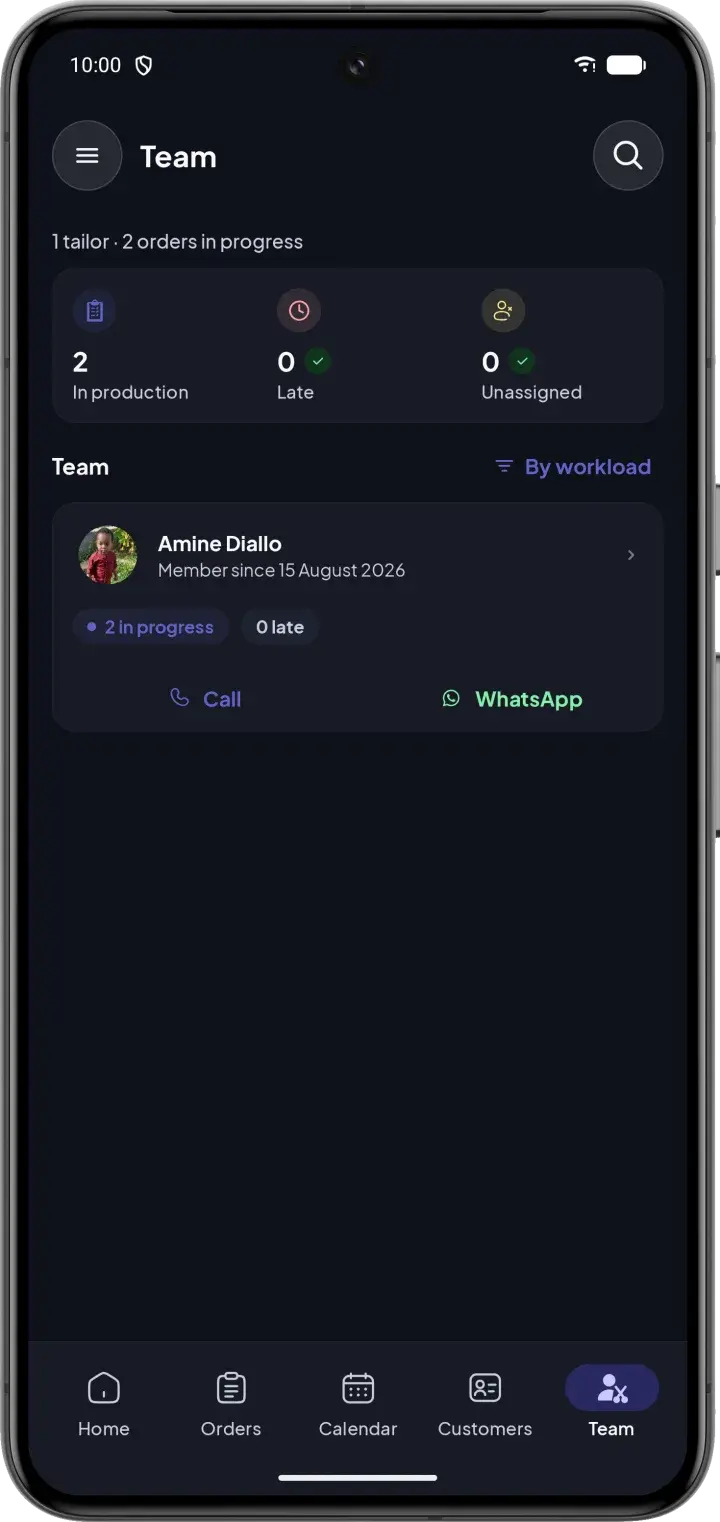
Team screen with the workshop's workload and each tailor's orders
04Team

Assign the work and follow each tailor

See the workshop's workload at a glance — in production, late, unassigned — and assign each order to the right tailor in one tap.

  • Team sorted by workload
  • Call or message a tailor on WhatsApp from the app
  • Admin, supervisor and tailor roles with the right access
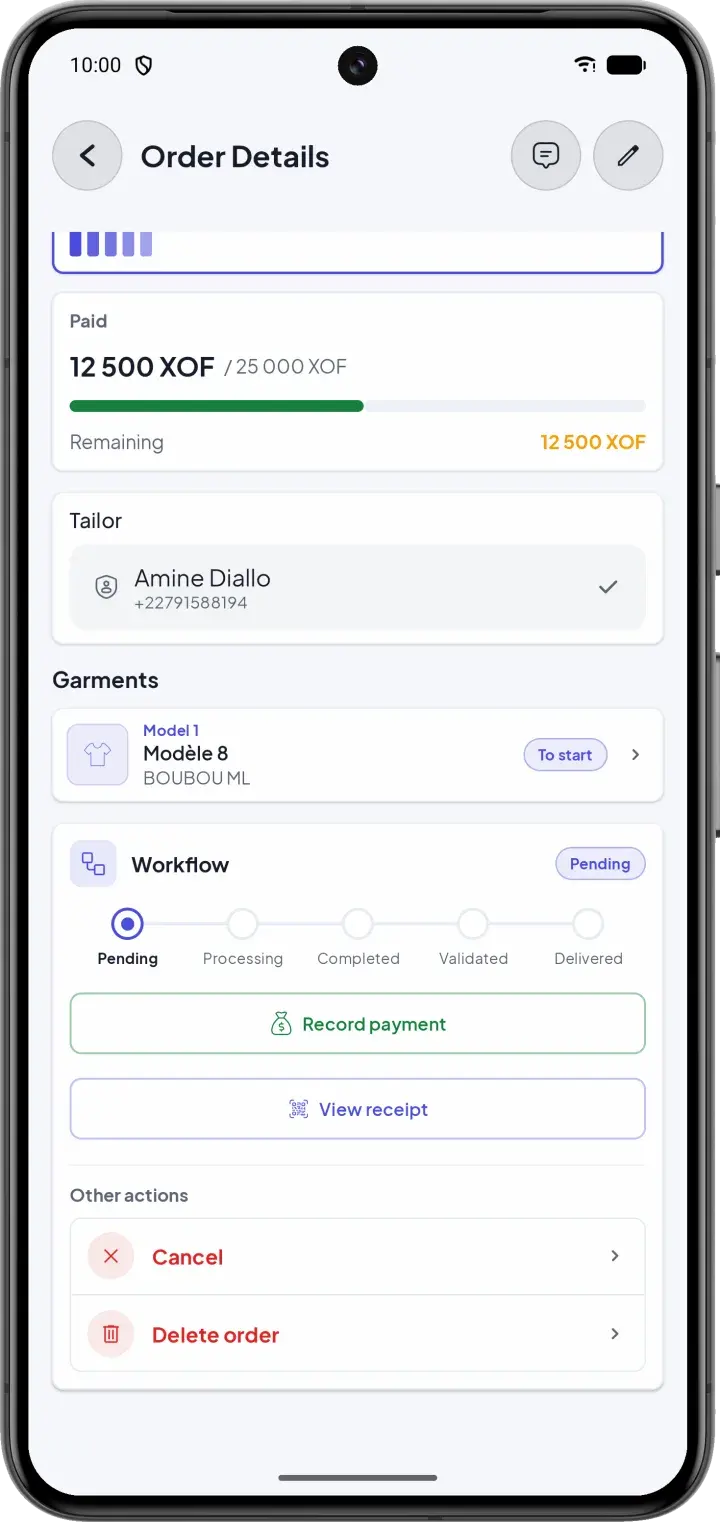
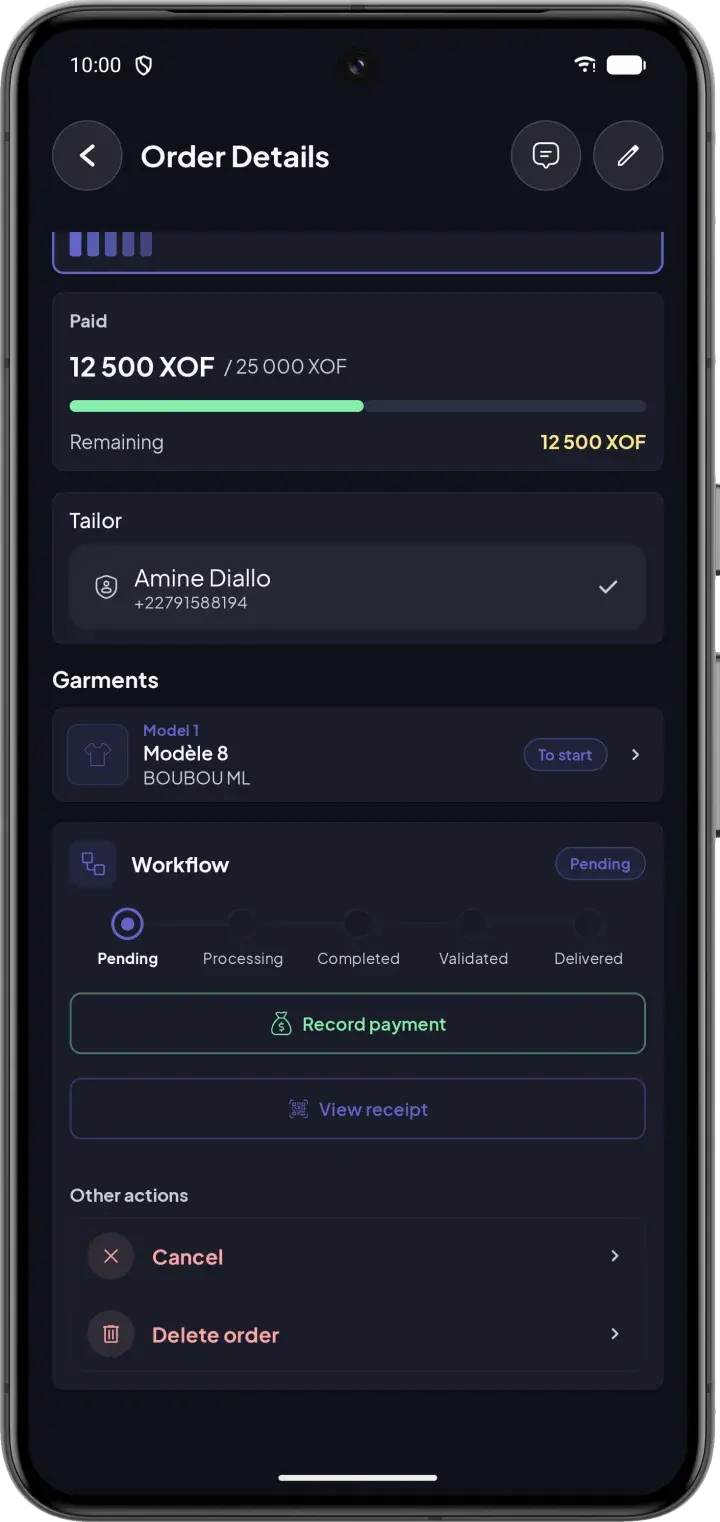
Order details with the workflow steps and payment recording
05Tracking & quality

Every order followed, checked and paid

Pending, in progress, done, validated, delivered: each step is clear. A supervisor validates the work before delivery, and every payment is recorded.

  • Quality check before handing over to the customer
  • Payments recorded, balance due always up to date
  • Comments on the order: instructions, photos, voice notes
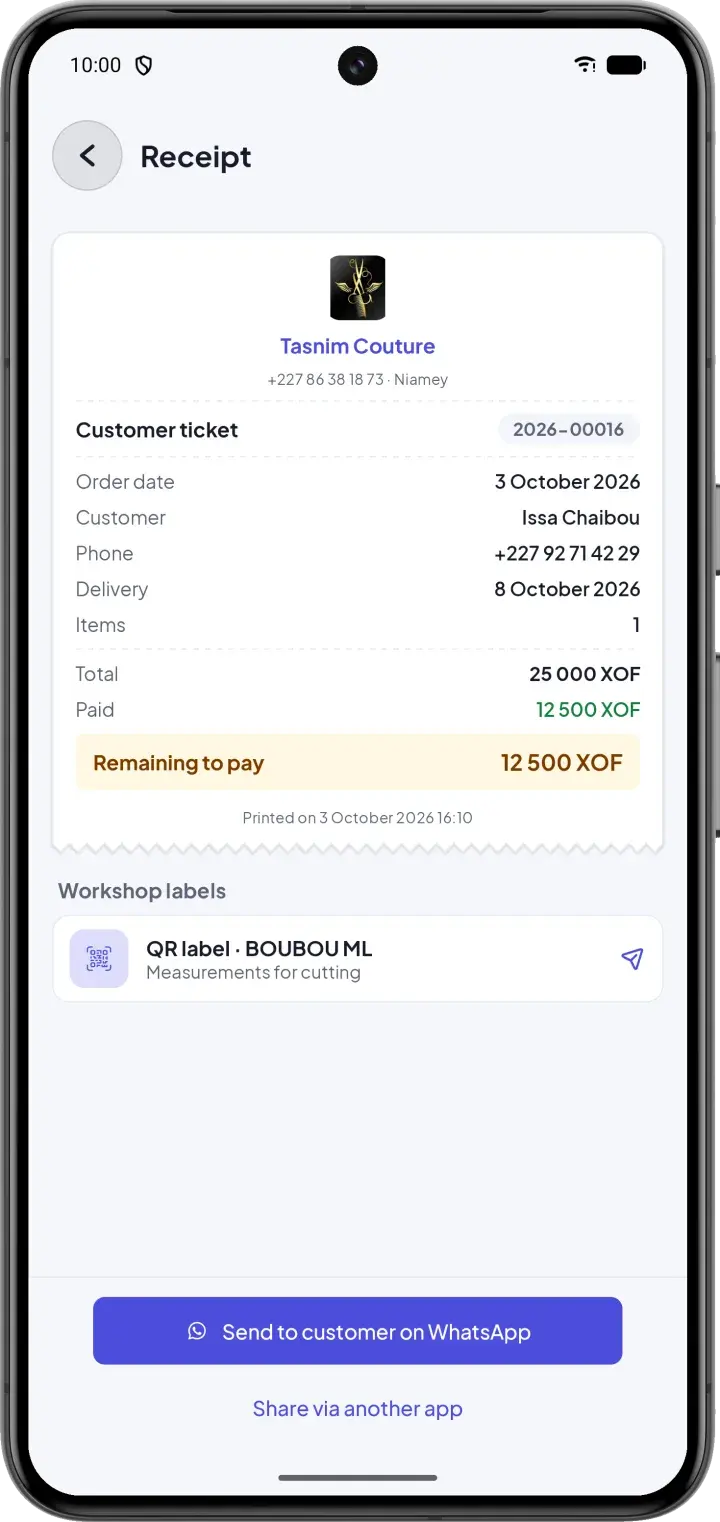
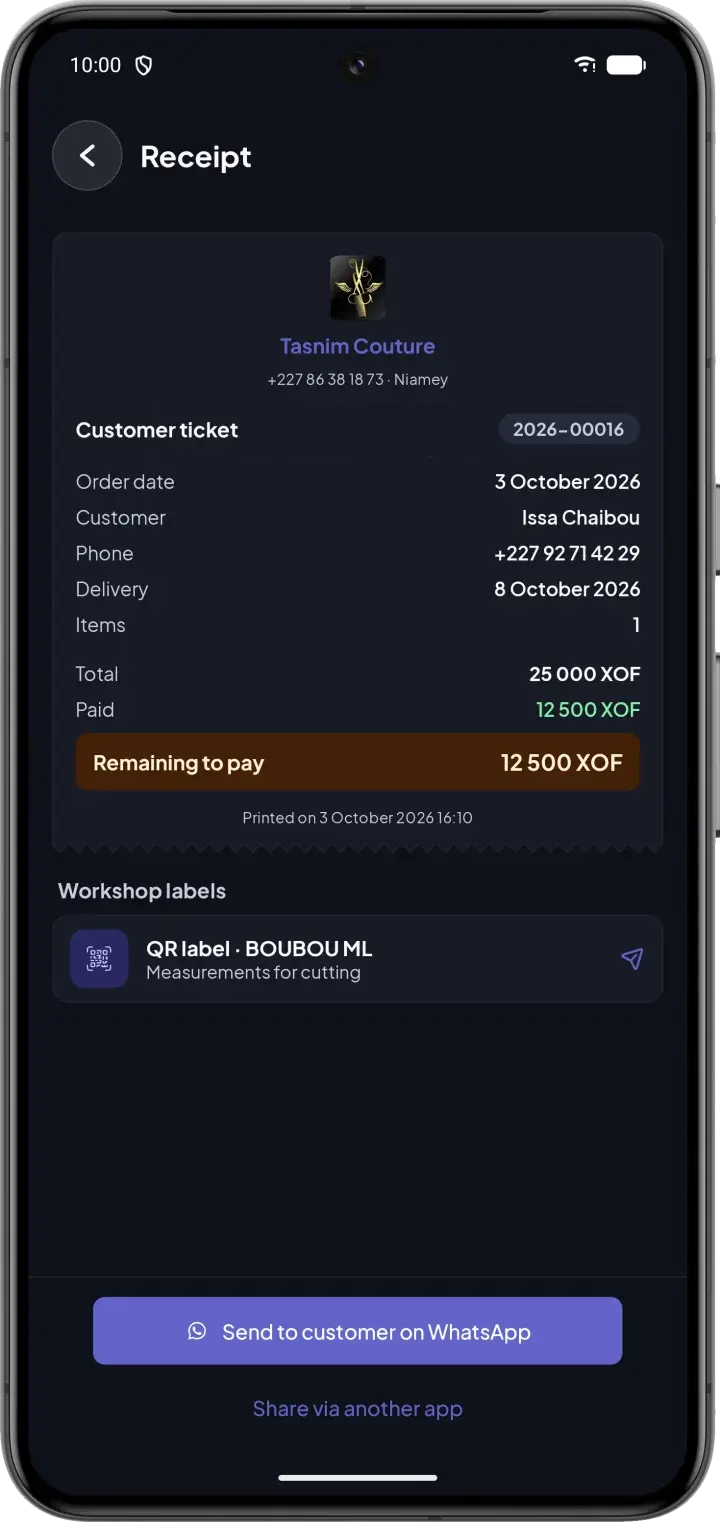
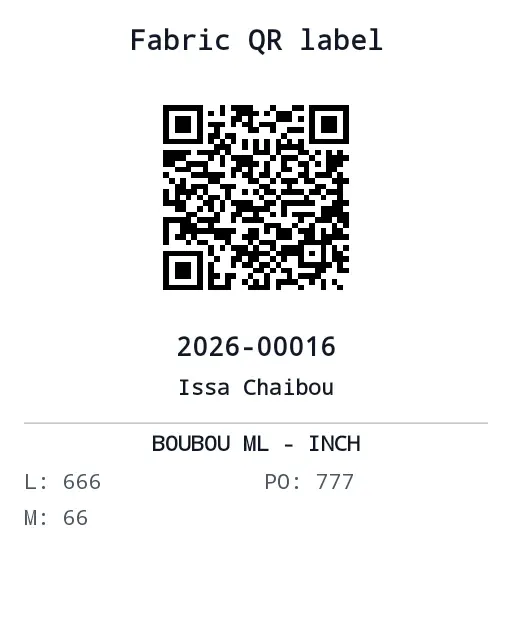
Customer receipt with the workshop QR label and WhatsApp sendingPrinted fabric QR label with the order number, the customer and the cutting measurements
06Receipts & QR

Professional tickets and smart QR labels

Print a small customer ticket and a QR label to attach to the fabric. The label carries the cutting measurements, and a scan opens the right order.

  • Formatted for 50 mm thermal printers
  • Send the receipt to the customer on WhatsApp
  • Measurements readable on the label, even offline
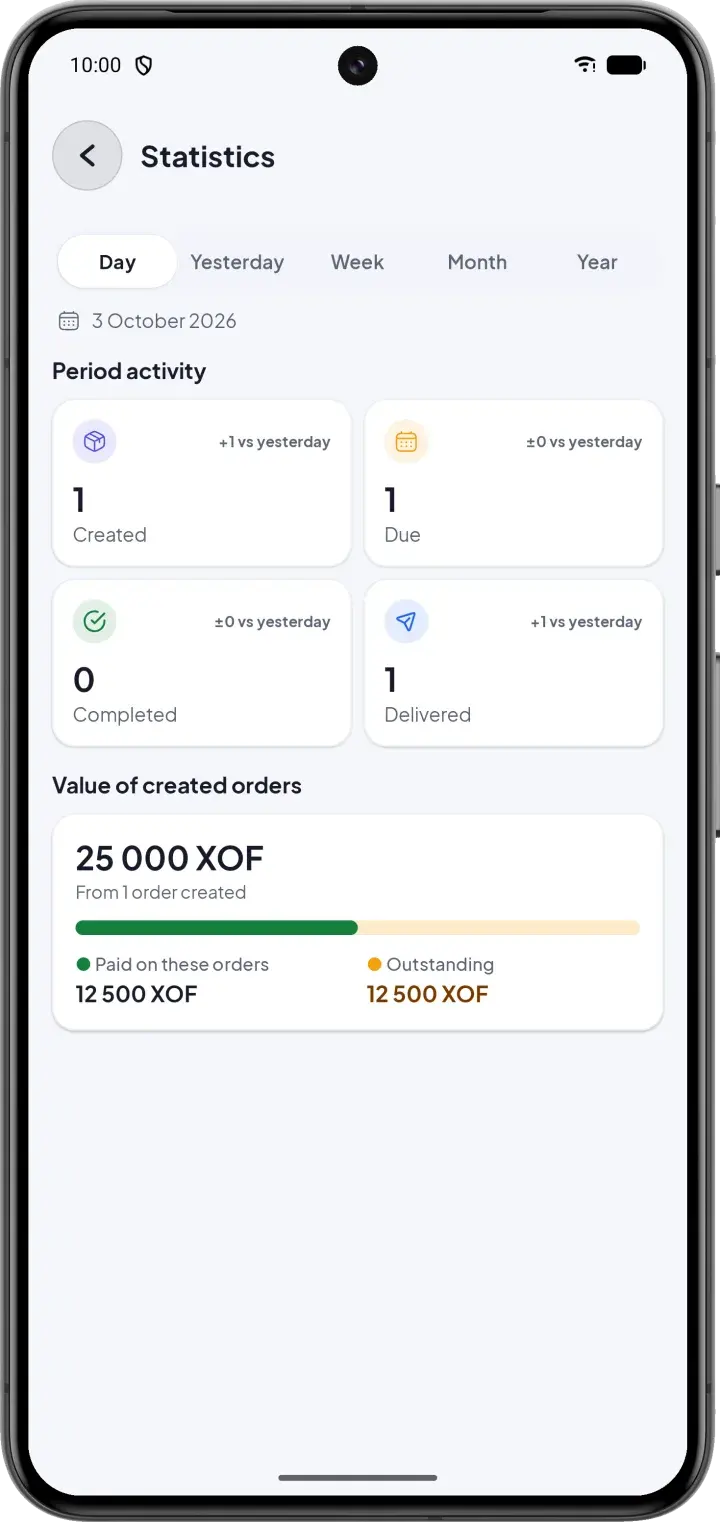
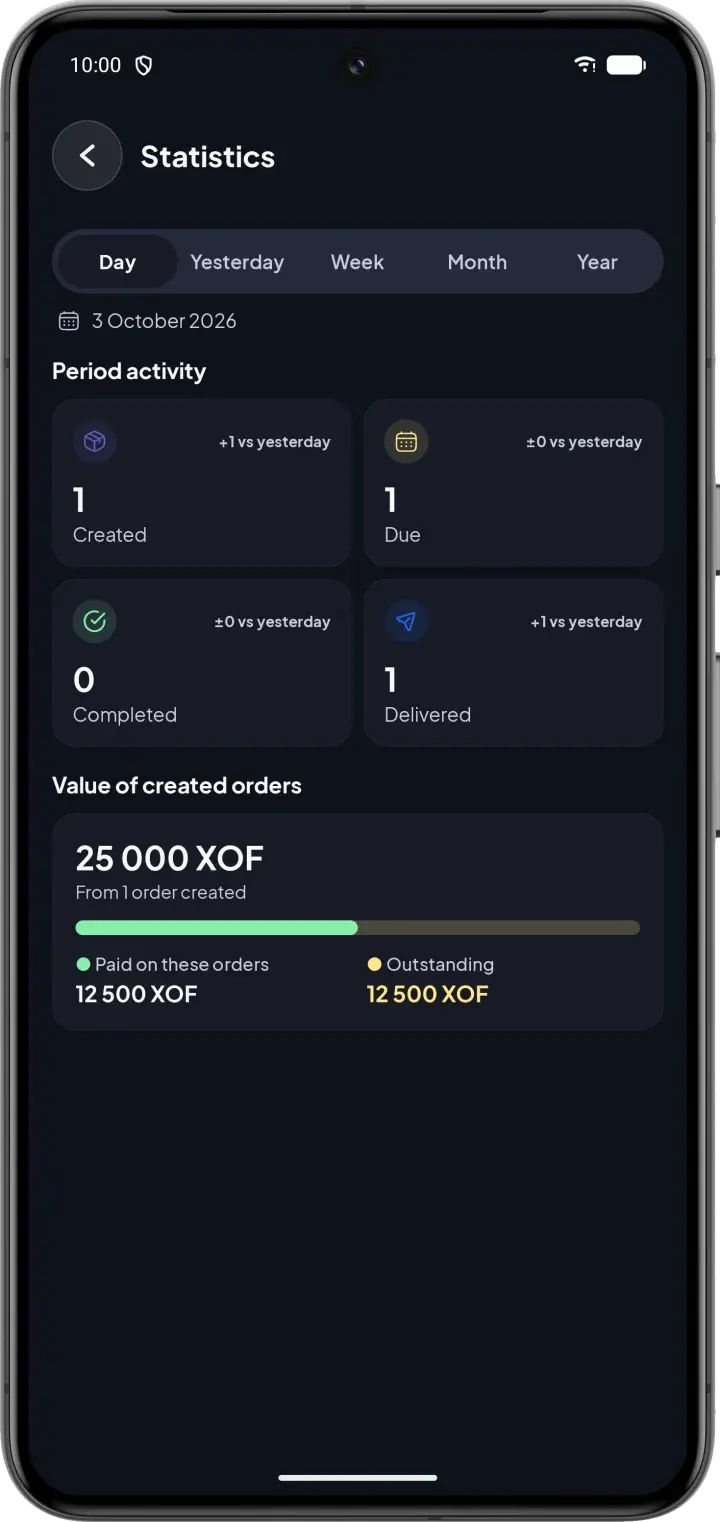
Statistics screen with the period's activity and order value
07Statistics

Finally know your numbers

Orders created, to deliver, completed and delivered, compared with the day before. See the value of your orders, what has been collected and what is still due.

  • Day, yesterday, week, month or year
  • Paid and remaining amounts at a glance
  • Trends compared with the previous period

And much more

Works offline

Keep working without a connection. Everything syncs automatically once you're back online.

Shared by the whole team

Changes appear on every phone in the workshop, in real time.

Comments on orders

Instructions, photos and voice notes, right where the work happens.

Useful notifications

Be notified when an order is assigned, updated or completed.

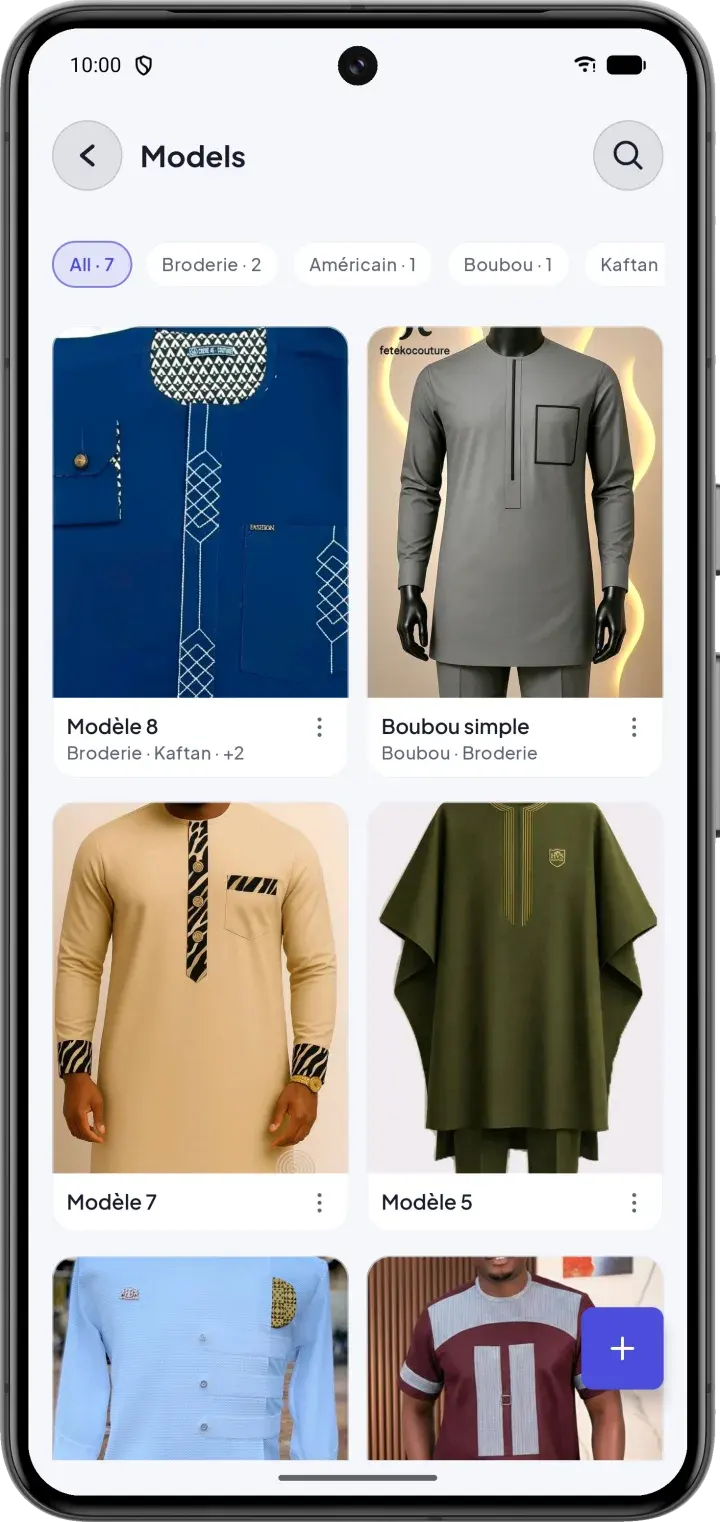
Model catalog

Your models with photos, sorted by category: embroidery, boubou, kaftan…

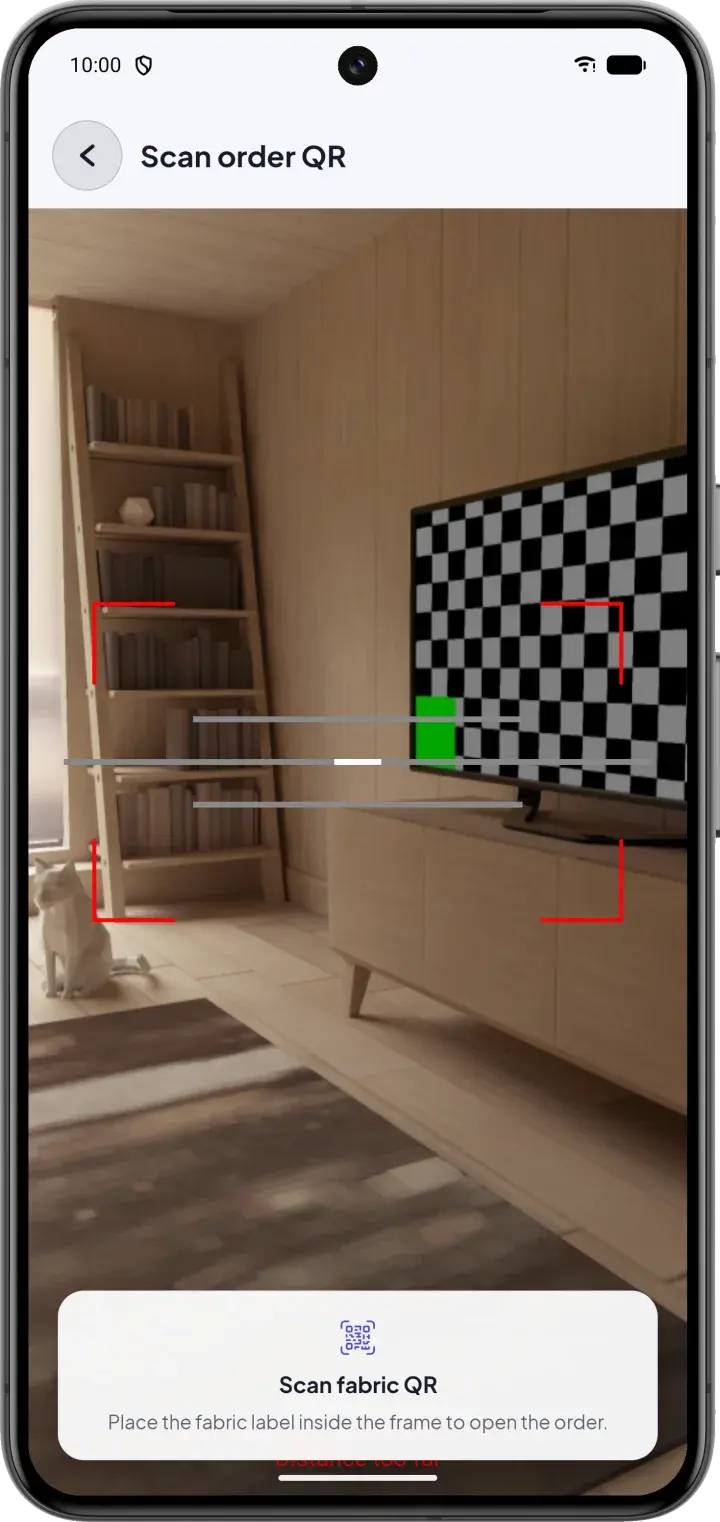
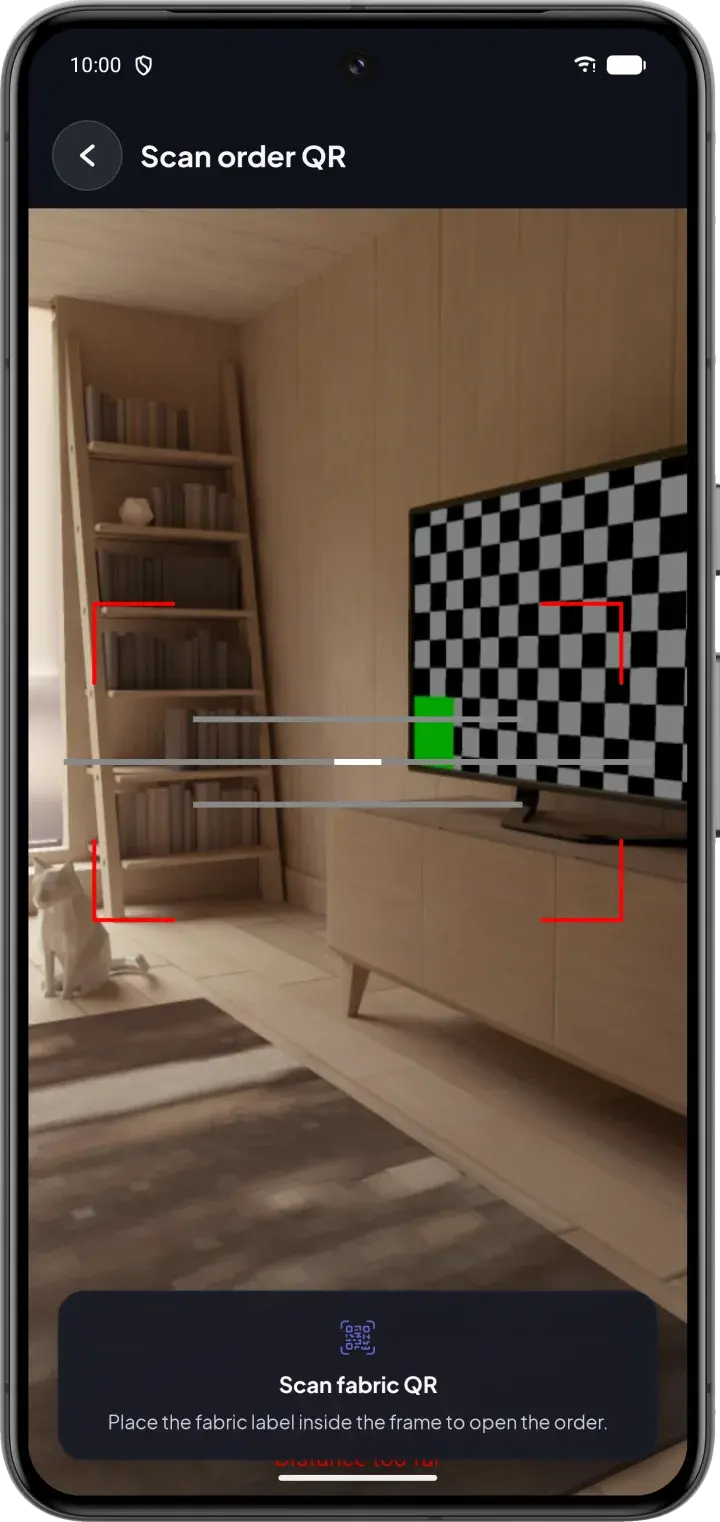
QR scan

Scan the fabric label to open the order instantly.

Centimeters or inches

Choose the measurement unit used by your workshop.

French & English

Use the app in the language of your team.

Product tour

CouturApp in pictures

Every screen is designed for the workshop: clear, fast and readable at a glance.

Home: this week's deliveries and what needs attention
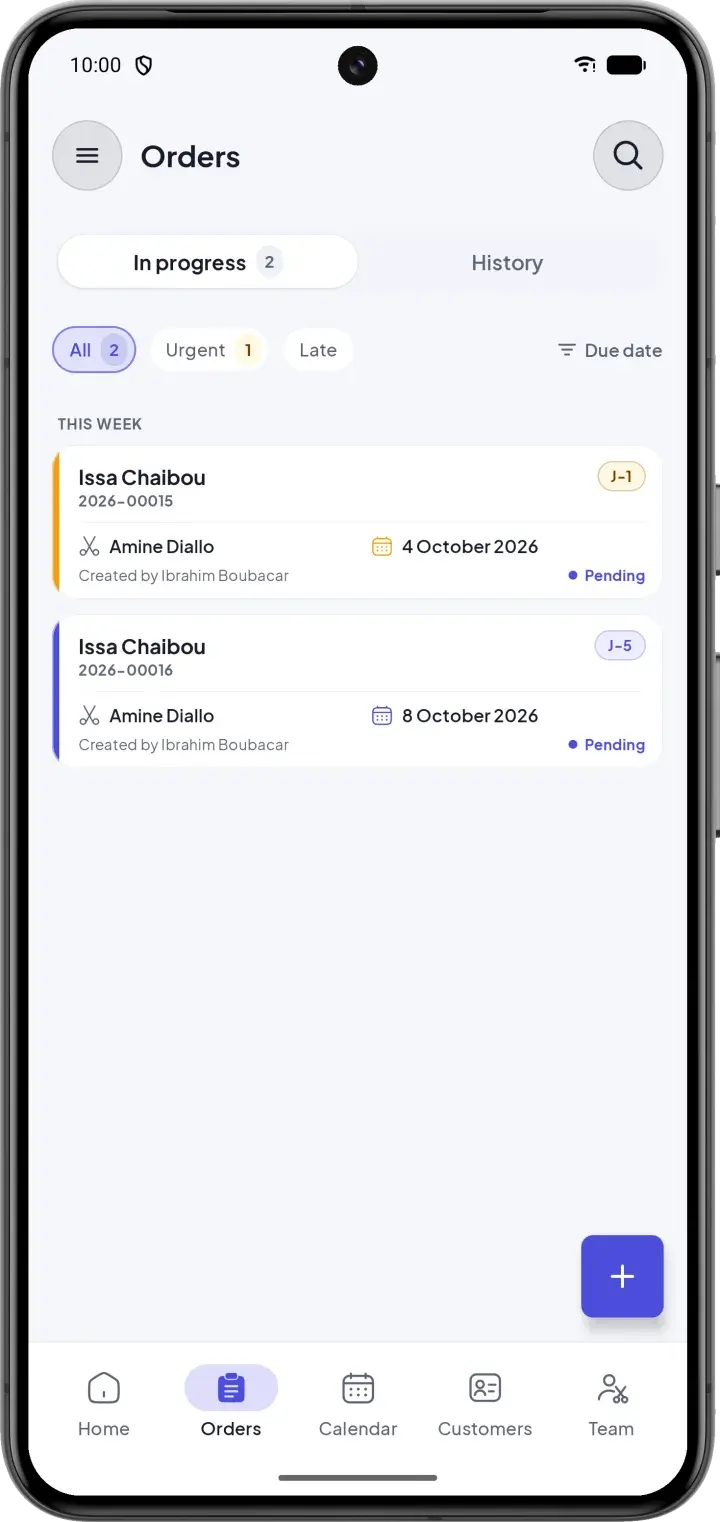
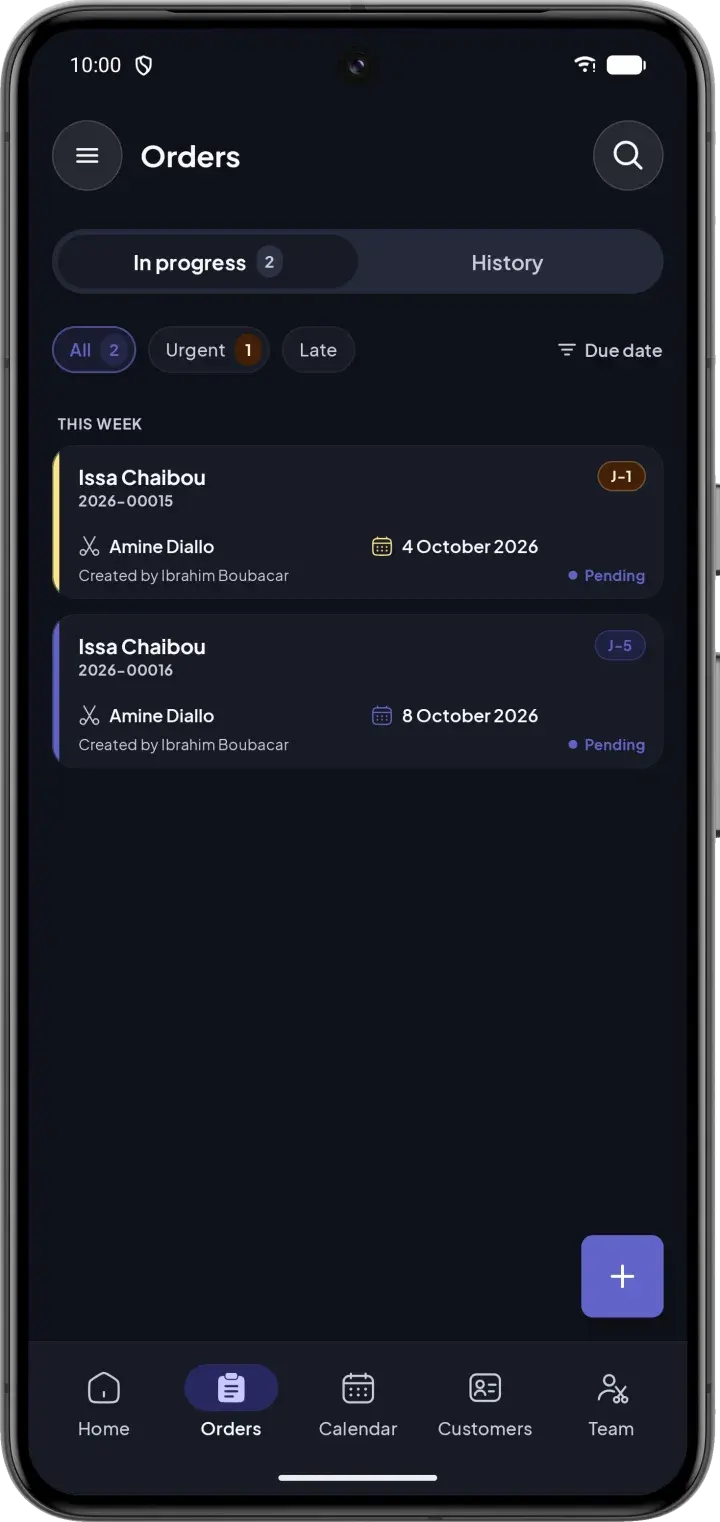
Orders in progress, sorted by due date
Delivery date chosen according to the workload
Cutting sheet: model, fabric and measurements
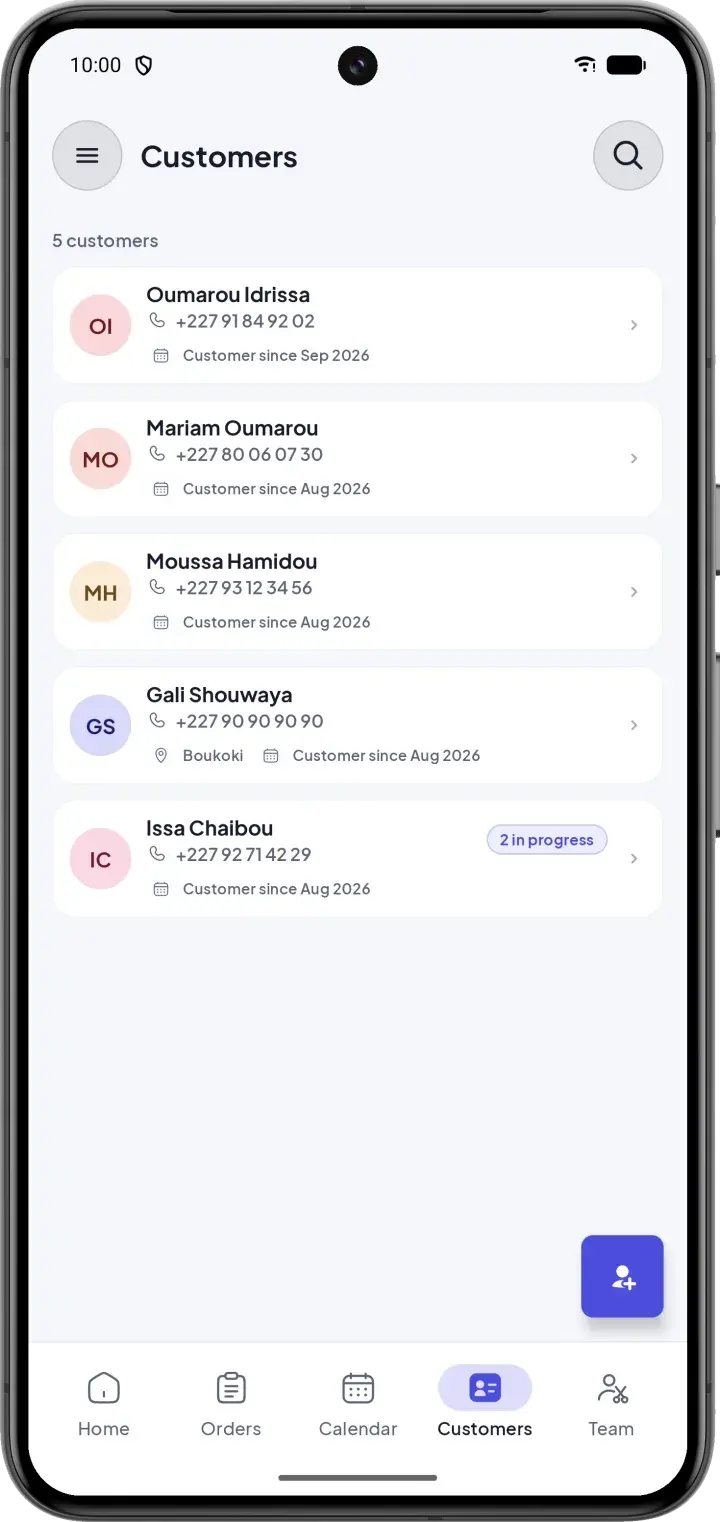
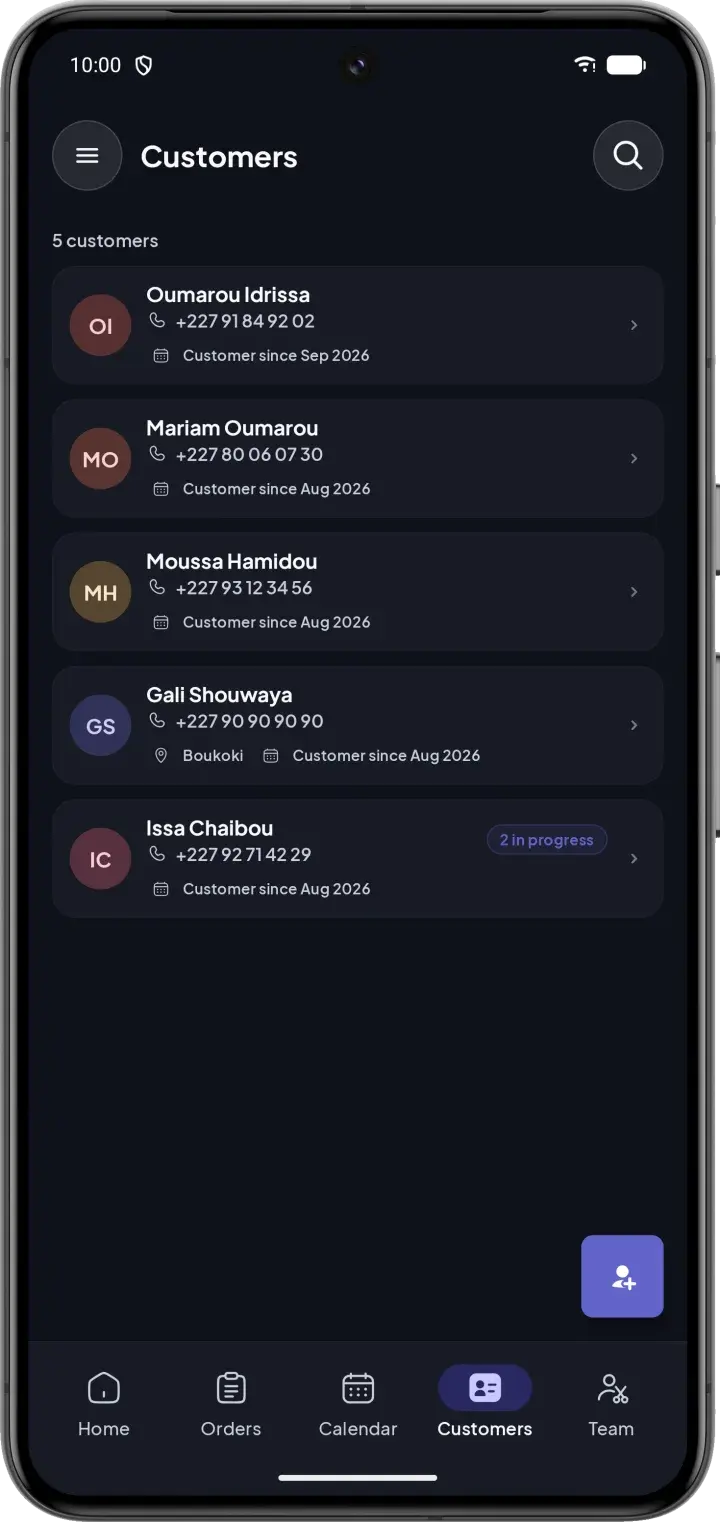
Customers and their active orders
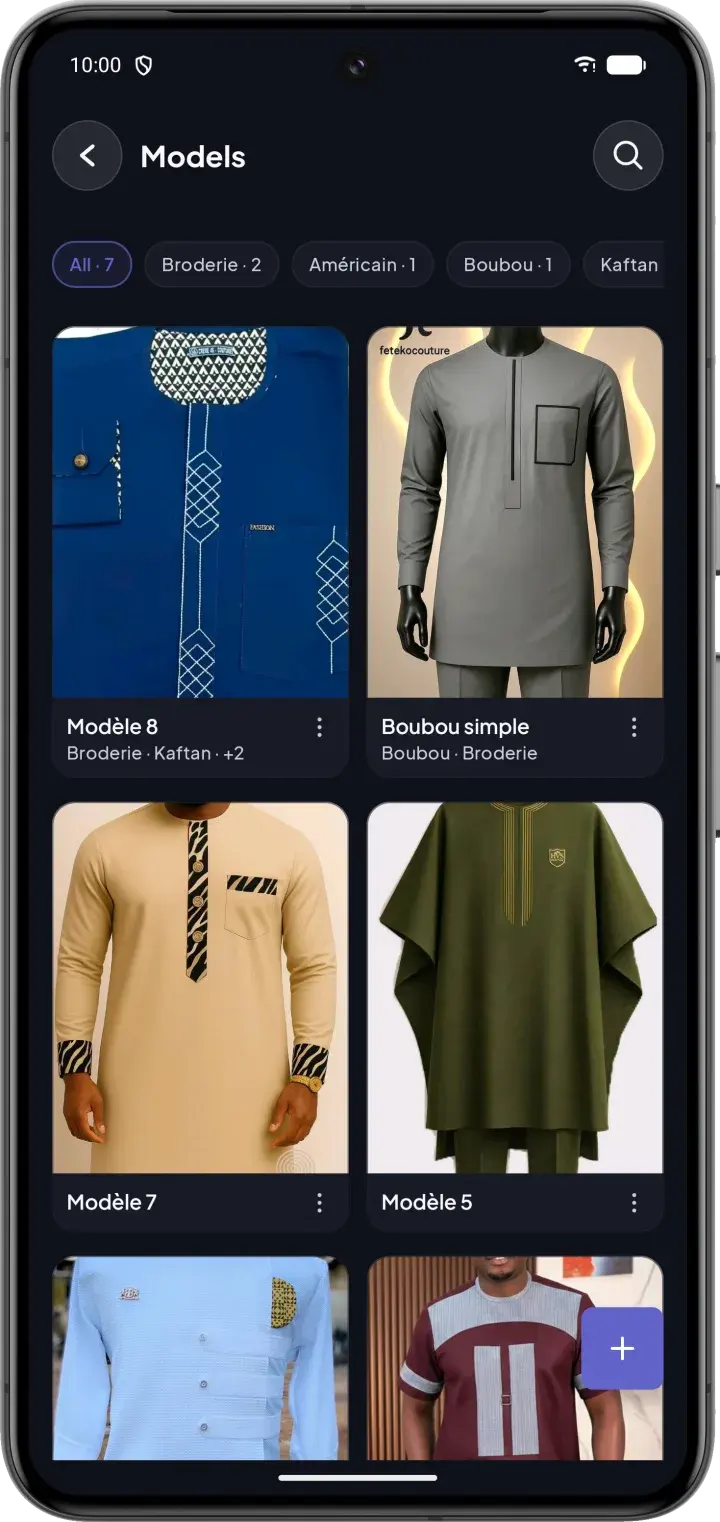
Model catalog with photos
Fabric QR scan
Fabric QR scan
Statistics by period

Swipe to see more

Benefits

More time for sewing, less time searching

Deliver on time

Urgent orders are visible as soon as you open the app. Satisfied customers come back — and talk about you.

Save time every day

An order is designed to be created in under 2 minutes, and measurements are found in seconds.

A calmer team

Everyone knows what to do and by when. Fewer calls, fewer misunderstandings.

Control your income

See what the workshop has earned, what has been paid and what is still owed.

A professional image

Clean tickets, QR labels and reliable dates: your workshop inspires trust.

Your data is safe

Stored on your phone and synchronized with a secure server. Each workshop only sees its own data.

For the whole workshop

One app, a view adapted to each role

Workshop owners

All the activity, revenue and team workload at a glance.

Master tailors

Measurements, models and deadlines for every order, without searching.

Assistants & apprentices

The orders assigned to them, and what to do next.

Pricing

A plan for every workshop

Start with a 1-month free trial, no commitment. Then choose the plan that fits the size of your workshop.

Free trial

Free for 30 days to discover CouturApp.

Free

for 1 month, then choose your plan

Start for free
  • 100 orders per month
  • 30 users
  • 50 models
  • Unlimited customers
  • Unlimited measurement templates
  • 256 MB of photo storage

Starter

For small workshops with 1 to 2 tailors.

$10/ month

Choose Starter
  • 100 orders per month
  • 30 users
  • 120 models
  • Unlimited customers
  • Unlimited measurement templates
  • 1 GB of photo storage
Recommended

Business

For growing workshops with 3 to 5 tailors.

$15/ month

Choose Business
  • 300 orders per month
  • 40 users
  • 200 models
  • Unlimited customers
  • Unlimited measurement templates
  • 4 GB of photo storage

Pro

For large workshops with a busy activity.

$20/ month

Choose Pro
  • 1,000 orders per month
  • 100 users
  • 500 models
  • Unlimited customers
  • Unlimited measurement templates
  • 10 GB of photo storage

Included in every plan

  • All features
  • Works offline
  • Real-time team sync
  • Receipts & QR labels
  • Notifications
  • Updates included

Prices in US dollars. The final price in your currency is the one shown by Google Play or the App Store.

Get started

Up and running in 3 steps

  1. 1

    Download the app

    Available on Google Play, coming soon to the App Store.

  2. 2

    Create your workshop

    Sign up in a few minutes and start your free trial.

  3. 3

    Add your team and first orders

    Invite your tailors, register your customers, and you're ready.

Get it onGoogle PlayComing soon to theApp Store

FAQ

Frequently asked questions

Does CouturApp work without internet?

Yes. CouturApp is designed to work offline: you can create and edit orders, customers and measurements without a connection. Everything syncs automatically once you're back online.

Which phones are supported?

CouturApp is available now on Android through Google Play. The iPhone version is coming very soon to the App Store.

Can my whole team use the app?

Yes. Invite your tailors and assistants: each person gets access adapted to their role — admin, supervisor or tailor.

Is there a free trial?

Yes. Every new workshop gets a 1-month free trial, with no commitment. You then choose the Starter, Business or Pro plan. Subscriptions are handled securely by your phone's app store.

Can I change plans?

Yes, at any time from the app. The store confirms when the change takes effect; moving to a lower plan may apply at the next renewal.

In which currency will I pay?

Prices are shown in US dollars with an indicative amount in your currency. The final price, in your currency, is the one displayed by Google Play or the App Store when you subscribe.

Is my data secure?

Your data is kept on your phone and synchronized with a secure server. Each workshop only sees its own data, and access is controlled by role.

Which languages are available?

CouturApp is available in French and English.

Ready to organize your workshop?

Download CouturApp and create your first order today.

Get it onGoogle PlayComing soon to theApp Store
Also available for Windows
CouturApp model catalog with photos